> For the complete documentation index, see [llms.txt](https://docs.aquanow.io/aquanow/llms.txt). Markdown versions of documentation pages are available by appending `.md` to page URLs; this page is available as [Markdown](https://docs.aquanow.io/aquanow/legacy/integration-guide/api-keys.md).
# API Keys
Create API keys
For programmatic access or API integration, users can create an API key through the following steps:
First, in the Web Portal select “API Management” from the top right dropdown menu.
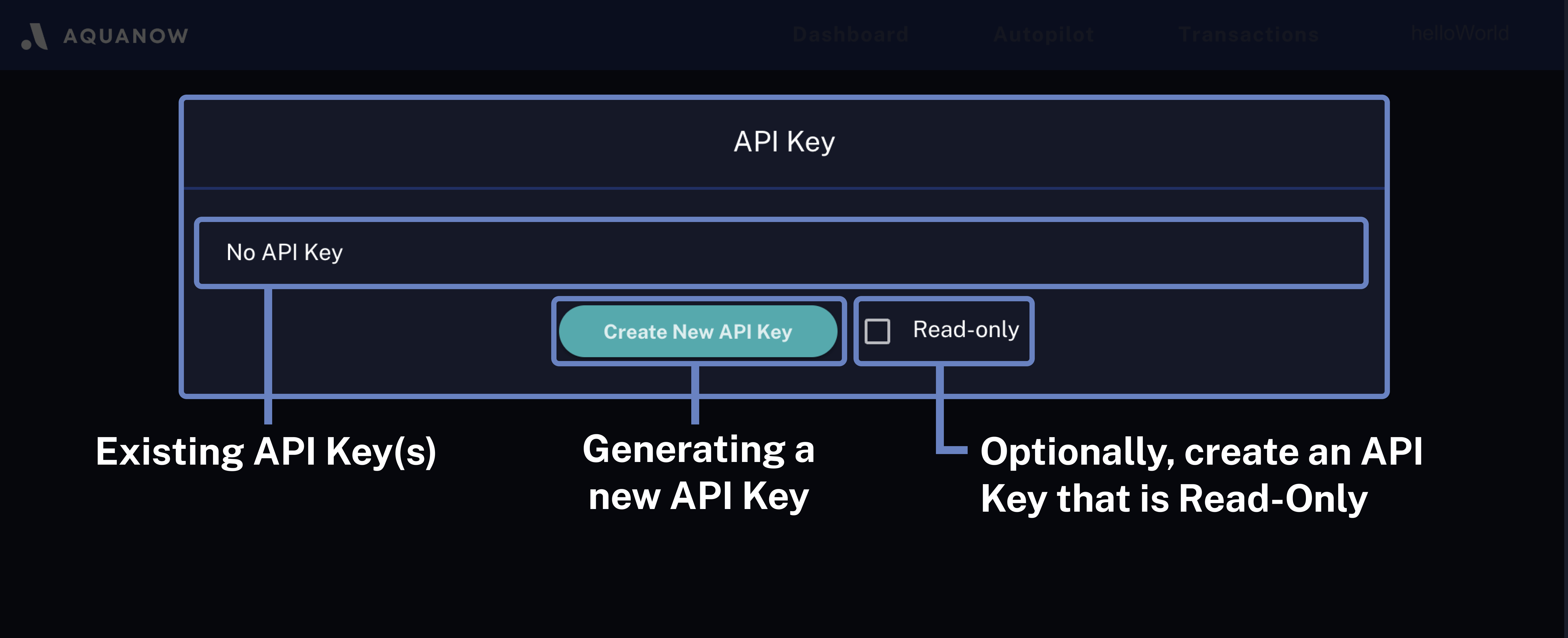
Select “Create New API Key” from the API Key page.
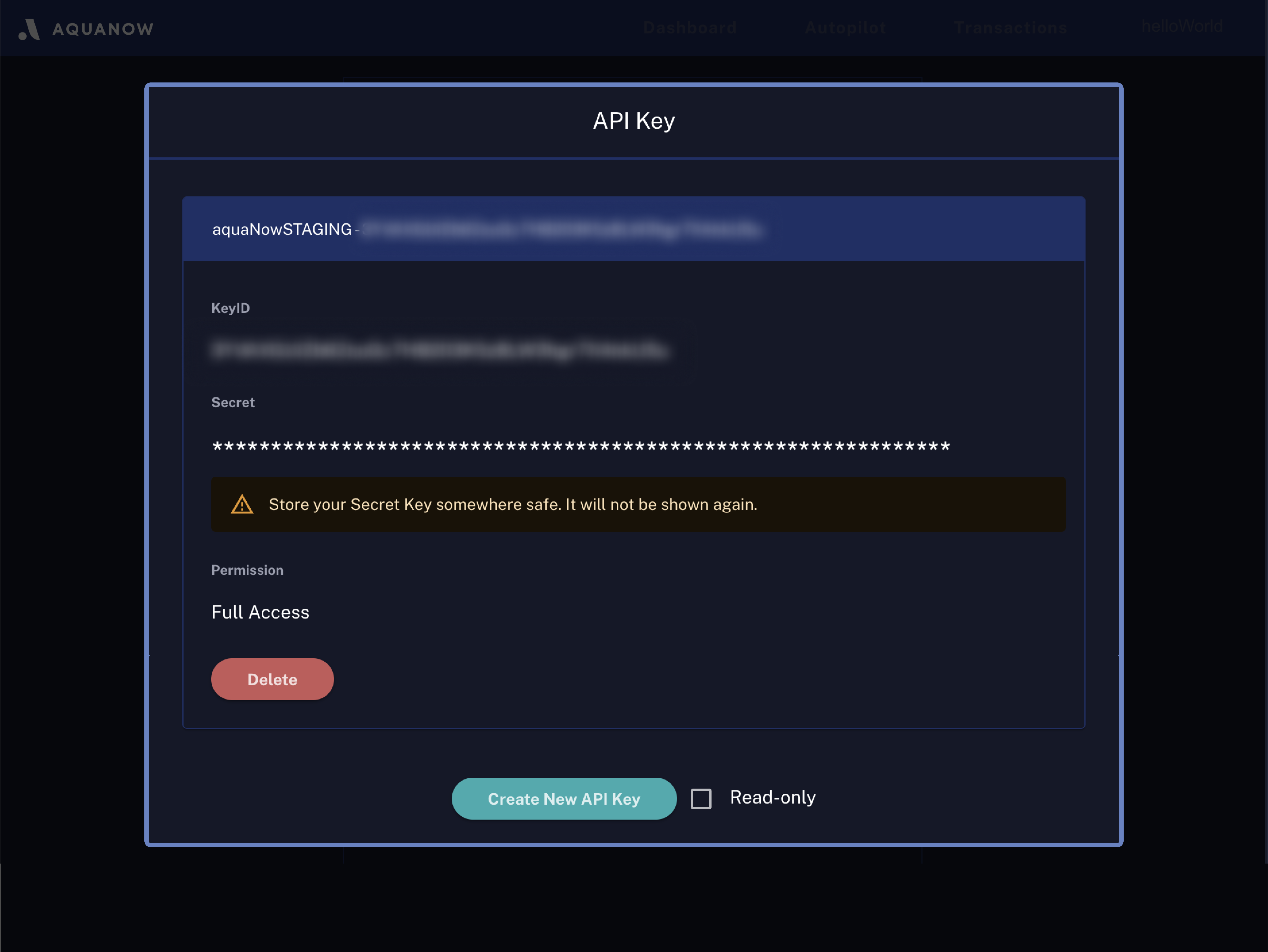
Once the API key is generated, please properly keep your secret key as it will only be shown once on the web portal.
.png)