> For the complete documentation index, see [llms.txt](https://docs.aquanow.io/aquanow/llms.txt). Markdown versions of documentation pages are available by appending `.md` to page URLs; this page is available as [Markdown](https://docs.aquanow.io/aquanow/webhooks/subscribing-to-webhooks.md).
# Subscribing to Webhooks
Webhook callbacks for clients that want event-driven updates
Aquanow offers Webhook callbacks for clients that want to be updated when a transaction is detected on-chain or finalized. Currently we support Webhooks for transactions (deposits and withdraw).
### Adding Webhook URLs
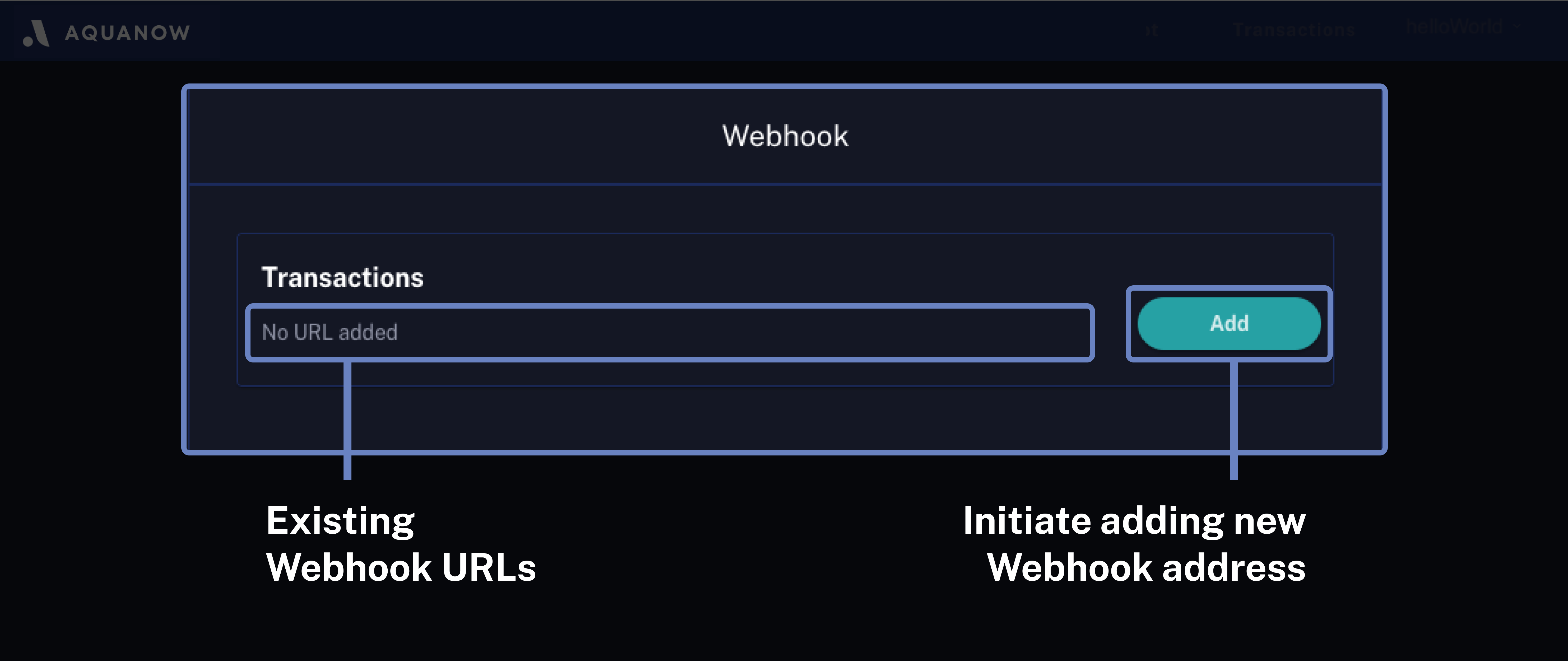
Select “Webhook” from the top right dropdown menu.
Select "Add" to add a Webhook for Transactions.
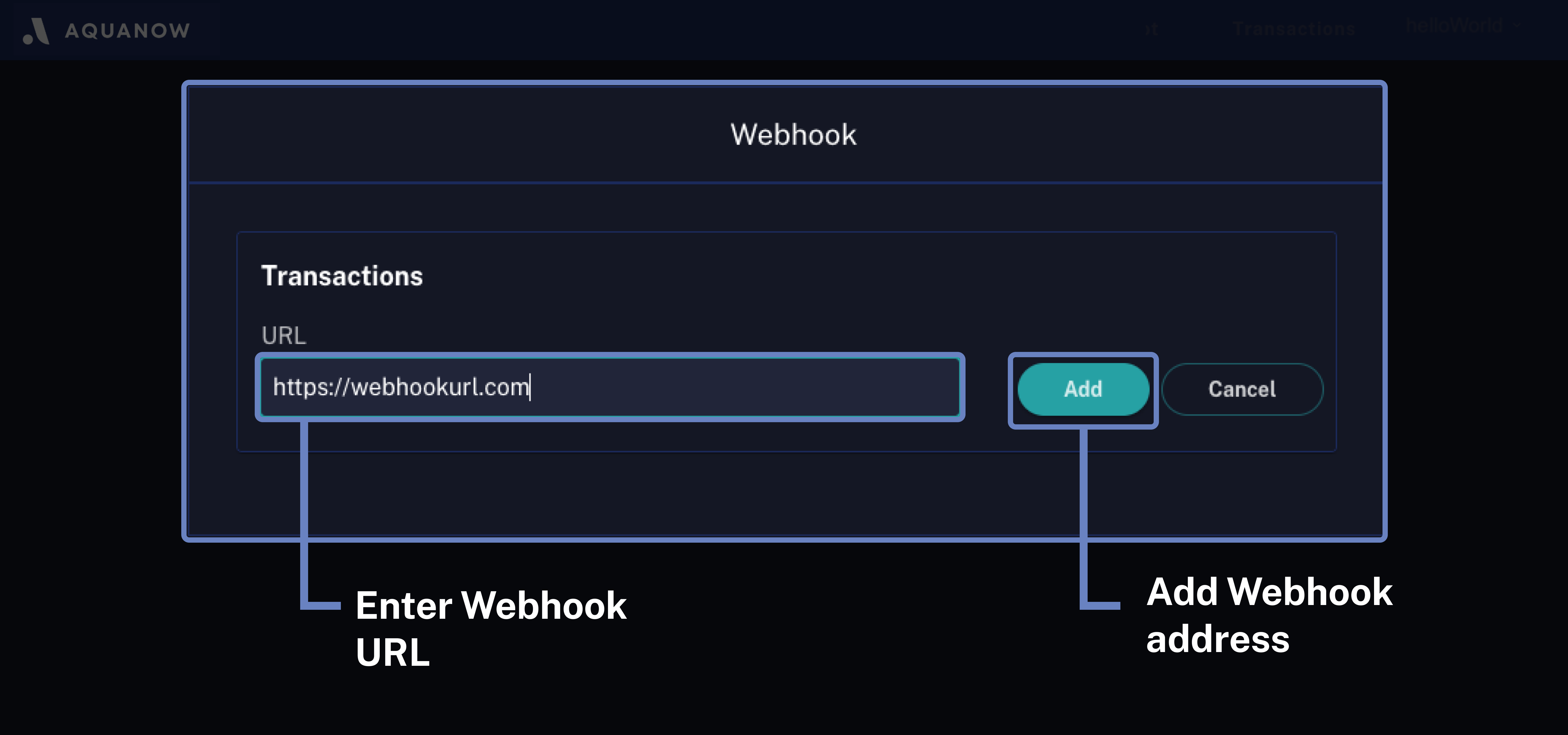
To add a Webhook, enter the Webhook URL and select "Add".
Once the Webhook is added, several actions become available:\
Users can send a test message, edit or delete the Webhook.
Sending a test message allows users to test if messages can be sent properly. If the Webhook works correctly, a success notification will appear.
{% hint style="info" %}
Please check your Webhook to make sure you have received the message.
{% endhint %}
.png)
.png)